Photo Enhancer
Turn phone photos into listing ready images
Turns the photo you already have into one that holds its own on the portals.
Every listing photo either gets a click or gets scrolled past. Photo Enhancer takes the photos your negotiators already took on their phones and fixes what's holding them back: poor light, dull skies, cluttered rooms, empty rooms with nothing to picture yourself in. No reshoot, and no photographer's diary to work around.
The fix
What it does
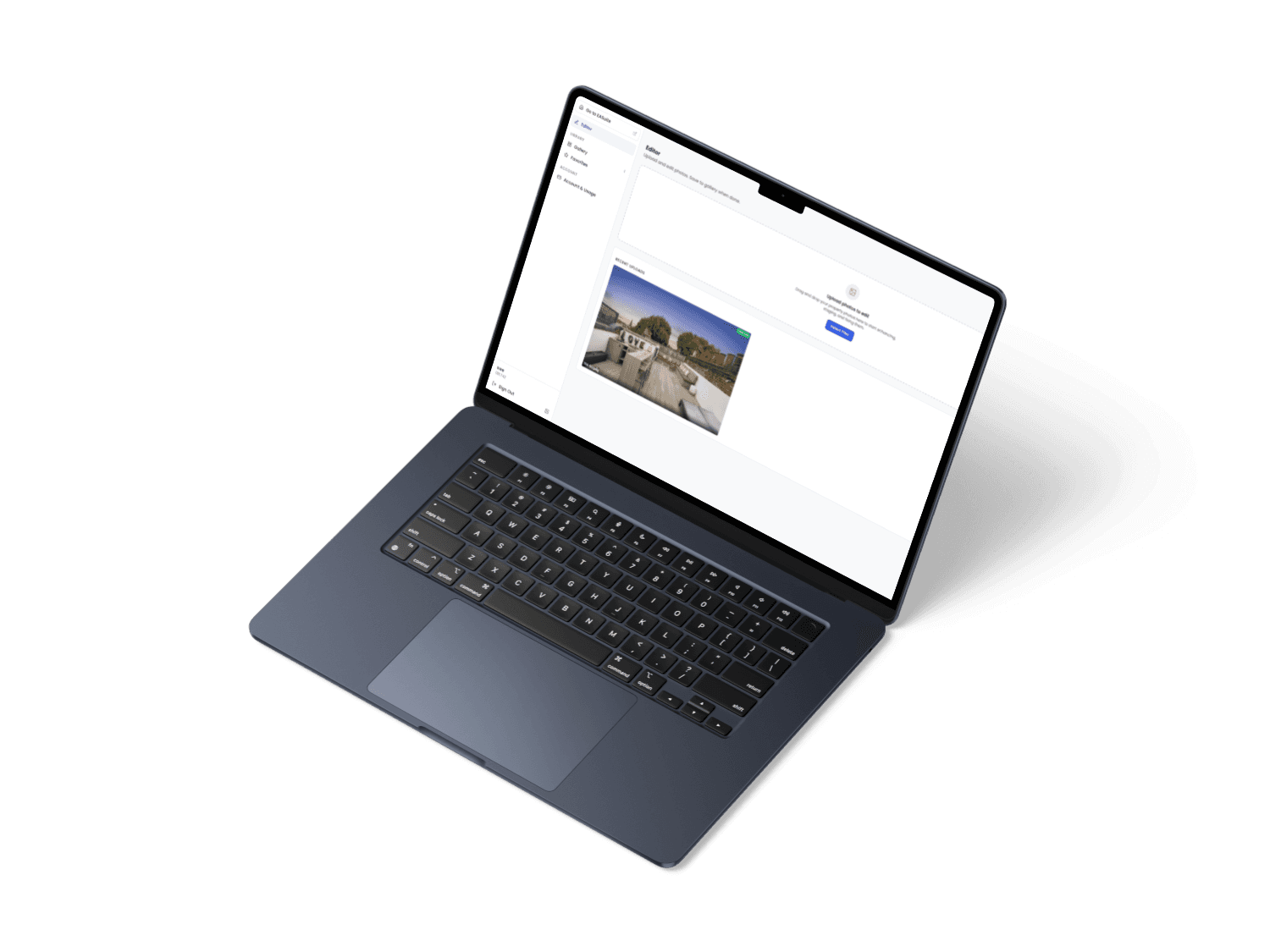
Photo Enhancer is an AI property photo editing tool built for estate and letting agents. Upload the photos from a listing and it corrects exposure and colour, straightens verticals, removes clutter, replaces grey skies, and furnishes empty rooms with virtual staging, all from photos shot on a phone.
Drag in one photo or a whole folder. The output is ready to upload straight to Rightmove, Zoopla, or your portal feed.
Capabilities
What is in it
One click fixes the whole exterior
The exterior button removes the bins, removes the for sale boards and replaces the sky, all in a single pass.
It fixes light and colour in one pass
Automatic exposure, colour correction and lens straightening, fixing the flat grey cast of phone photos.
Remove what should not be in shot
Bins, parked cars, cables, clutter, and people, even when they are reflected in a mirror or standing behind glass.
Furnish an empty room
Virtual staging across seven room types and seven styles, so a bare bedroom becomes somewhere a buyer can picture living.
Swap the sky, or make it dusk
A flat grey sky becomes blue, or a daytime exterior becomes a dusk shot with the lights on.
Change walls, floors and kitchens
Six named finishes each for wall colours, flooring, kitchens and bathrooms, and feature walls, applied with a click.
Press and hold to see the original
Hold the photo down and the original shows instantly, so you can check exactly what changed before you use it.
Run another edit, or start again
Stack a second edit on top of the first, or go back to the untouched original at any point.
A failed edit costs nothing
Credits are only spent when an edit succeeds, and if one AI engine fails the tool retries on another before giving up.
Location data is stripped from every photo
Hidden camera data, including GPS position, is removed when a photo is stored, and again before it reaches any AI service.
On the rules
The tool reminds you on screen what the Property Misdescriptions Act expects of an edited photo, at the moment you are editing rather than in the small print. A complaint about a misleading photo costs more than the better picture was worth.
Worth knowing
It cannot invent what is not there
Every instruction the AI receives carries a rule it cannot break: keep the property's structure intact, and never invent features that are not in the photo. Even the free text prompt, where you type your own request, is wrapped in that rule before it runs.
So the lawn gets greener, the sky gets bluer, and the bins disappear, but no imaginary extension appears and no damp patch is painted over. The better photo is still a photo of the same property.
Before you ask
Questions
Can it hide damp or invent a garden?
No. Every instruction carries a rule the AI cannot break: keep the structure intact and never invent features. If it is not in the photo, it does not appear.
What happens if an edit fails?
You are not charged. Credits are only deducted when an edit succeeds, and if one AI engine fails the tool retries on another before reporting a failure.
Where do our photos go?
They are stored encrypted, kept private to the person who uploaded them, and never exposed by public links. Hidden location data is stripped before any photo reaches an AI service.
Do we need a photographer first?
No. It is built for the photos your negotiators already take on their phones.
Send us your worst photo
Book a demo, bring the listing you are least happy with, and we will run it through while you watch.