Brand Guidelines
Your brand, the same in every branch
One place for your logos, colours and tone, used automatically by the other tools.
One office is still using the old logo. Another has drifted to a slightly different blue. Somebody made a brochure in Word. The descriptions coming out of two branches read like two different companies.
It is nobody's fault. There is no shared place to look, so people use whatever is on their desktop.
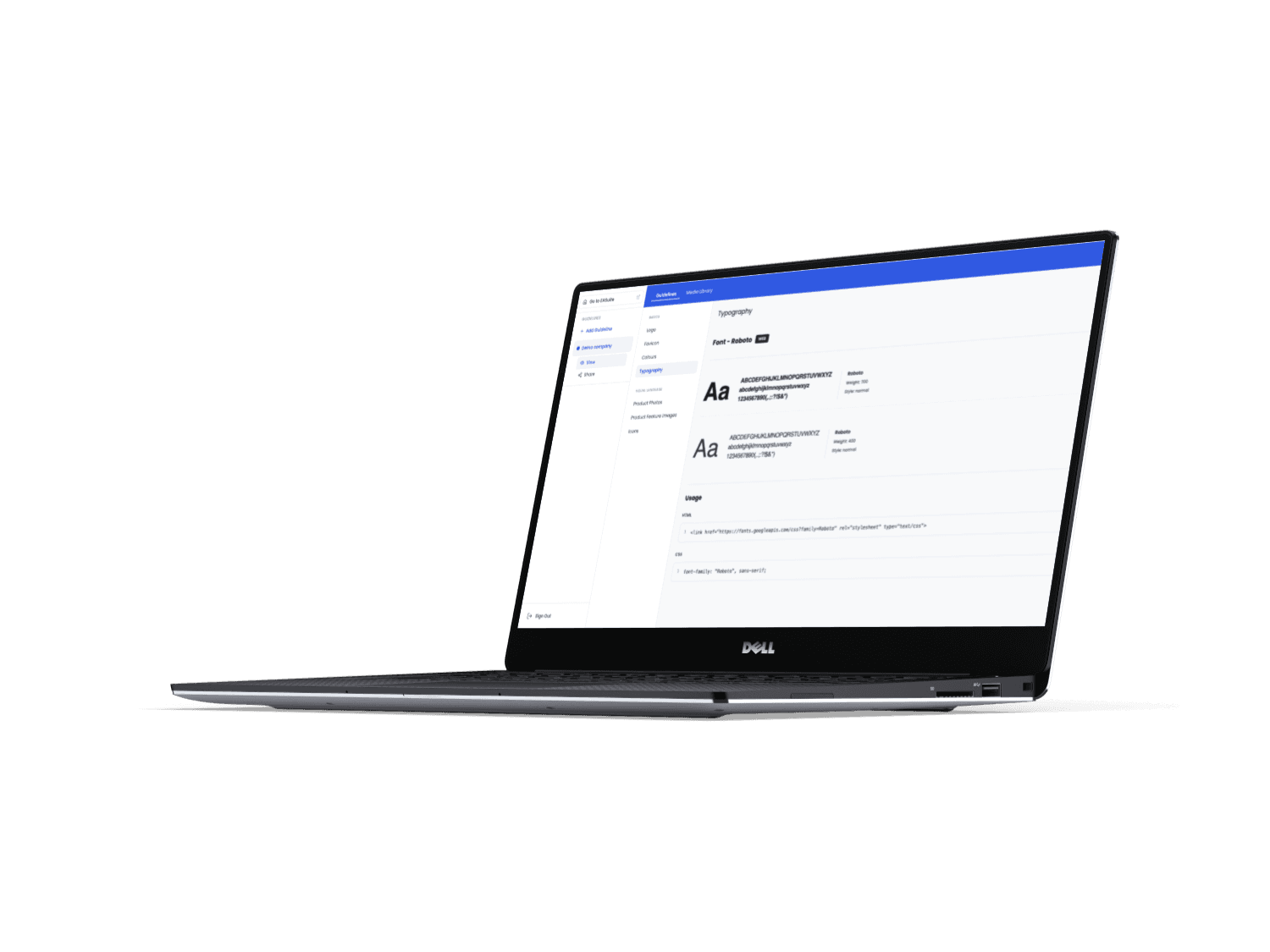
The fix
What it does
One place for your logos, colours, fonts, and tone of voice, shared with everyone who needs it. Set it up once and the rest of EA Suite reads from it automatically, so descriptions, blog posts, and photo treatments all come out on brand, whichever branch or negotiator produced them, without anyone having to check or remember.
Getting started
How it works
Add your brand
Upload logos, set your colours and fonts, and describe your tone of voice: formal, warm, brief, whatever fits.
Set it per branch, if needed
One shared brand, or slight variations for sub-brands and franchise branches. Your call.
The rest of the suite reads from it
Property Descriptions, Blog Generator and Photo Enhancer all pull from here automatically, so no one has to open a separate brand document.
Update once, applies everywhere
Change the tone or swap a logo, and every tool picks it up on the next run.
See Brand Guidelines on the demo
Thirty minutes, no slides. Bring something you are stuck on and we will put it through the tools while you watch.