File Transfer
Send big files as a link, so nothing bounces
Send floor plans, EPCs and photo sets without the email bouncing.
Floor plans, EPCs, a full photo set, a video tour. All too big for email, all needed by a solicitor or a vendor today. So somebody zips it, tries again, fails again, and ends up using a personal Dropbox.
The fix
What it does
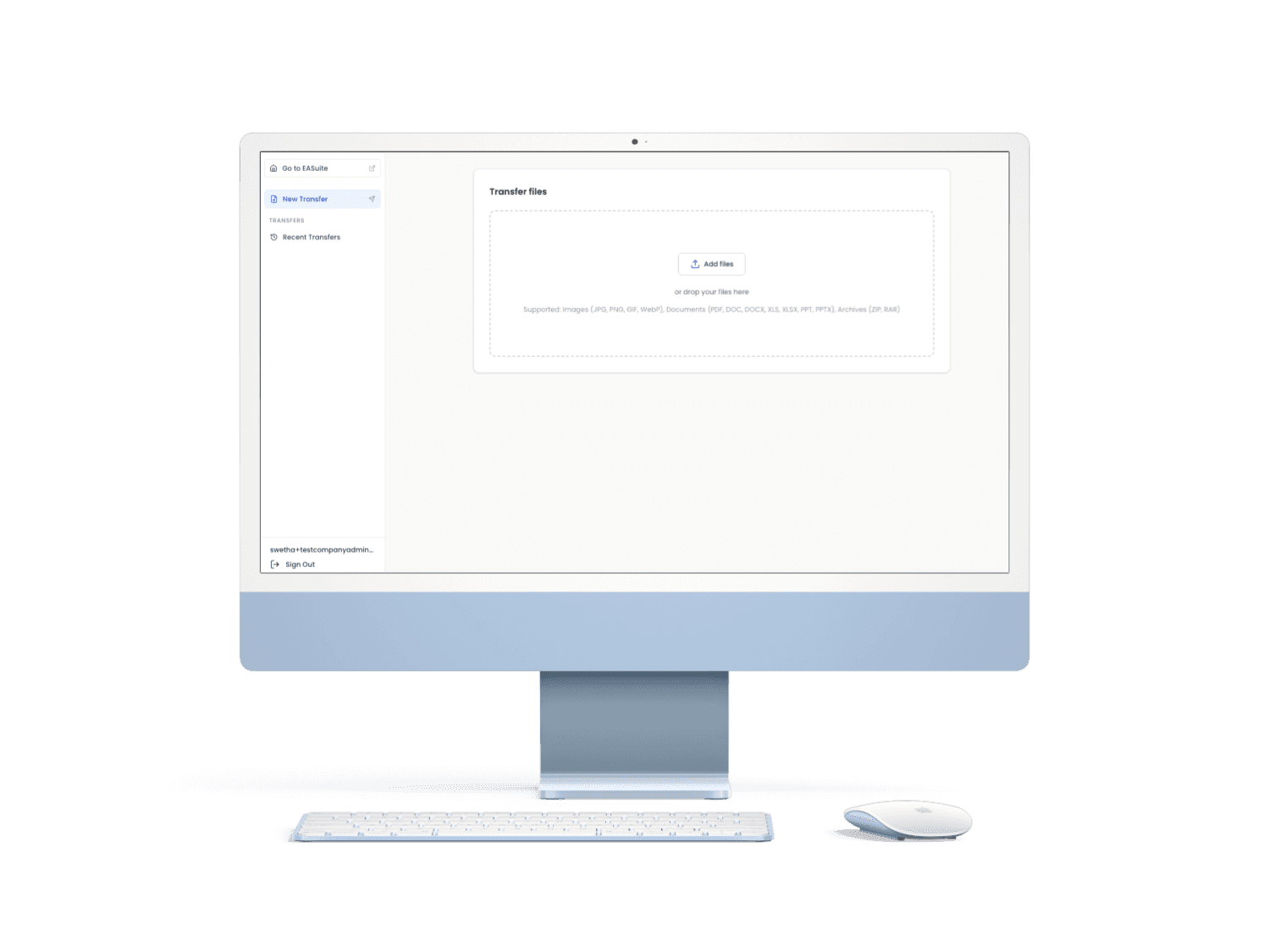
Upload floor plans, EPCs, full photo sets or video tours and send a link instead of an attachment. Nothing is attached, so nothing bounces back from an email server. Links expire when you want them to, the download page carries your branding instead of a generic file host, and you can see exactly when it was opened.
Getting started
How it works
Upload the files
Floor plans, EPCs, photos, video. Any size, any format.
Set an expiry, if you want one
Leave it open, or have the link stop working after a set time.
Send the link
By email, text, or however you'd usually send it.
See when it's opened
Know it landed, without chasing a reply to confirm.
See File Transfer on the demo
Thirty minutes, no slides. Bring something you are stuck on and we will put it through the tools while you watch.